
Inferock Watch quickstart
This guide covers the development app. It does not establish production availability or credit eligibility. Complete account setup in the development app before making a gateway request.
Before you begin
This guide uses the development app and the linked OpenAI request example. You need a provider key for that example. Activation issues a separate Inferock key for calls through the gateway.
This option provides a monthly loss report; it does not include a credit or refund.
Choose your setup
- Inferock Watch: This quickstart shows you how to connect your own provider key. Inferock measures routed calls at no Inferock charge; your provider bills inference separately.
- Inferock Serve: No provider key is required. For prepaid inference through Inferock, follow Set up Inferock Serve.
- Inferock Dedicated: Capacity is arranged by agreement. Read Inferock Dedicated capacity, then contact us through Support and contact.
1. Open the development app
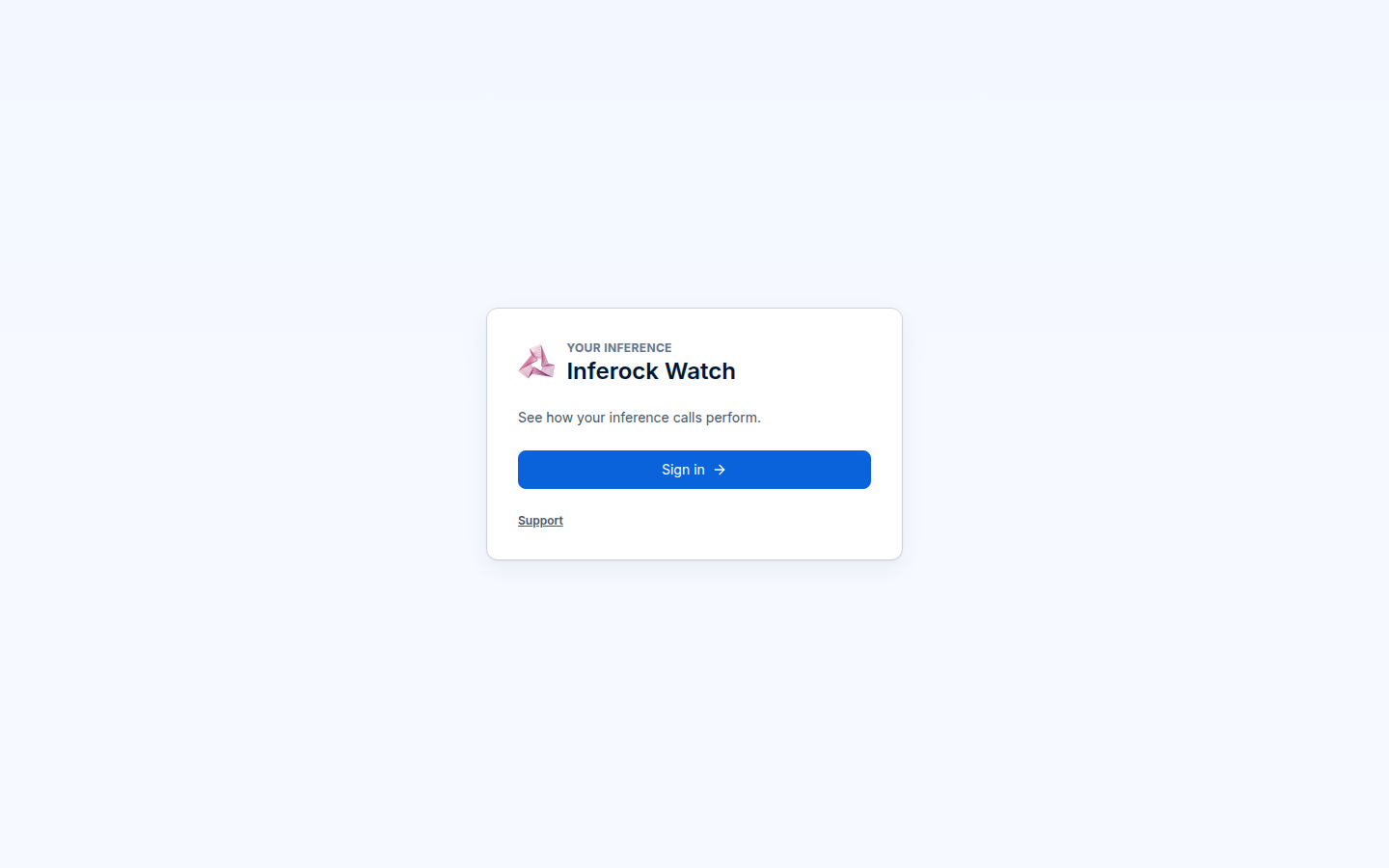
Open the development app and sign in. After authentication, an inactive account enters onboarding; an active account opens the dashboard. Complete account activation in the app.
For account creation and password requirements, follow Account and Inferock Watch key setup.
2. Connect your provider key
Activation follows Terms → Connect → Verify → Measure. Read and accept the current terms, select OpenAI for this example, and enter that provider's key. The provider key is verified as part of activation.
3. Save your Inferock key
Successful first activation displays your Inferock key with a Shown once label. Save it before continuing. Use this Inferock key to authenticate gateway requests; the provider key belongs in provider setup.
4. Make one inference call
Use the request in First call through the gateway. It sends a model and a short message to POST /v1/chat/completions, with an Inferock key for authentication and an explicit provider selection.
Open Settings → Inferock keys and select Copy beside Gateway base URL. Use that URL for GATEWAY_BASE_URL. If the Gateway base URL row is missing, follow Support and contact.
A successful non-streaming request returns the provider's response body and HTTP status. The result is not replaced by a receipt.
Gateway request
HTTP 200 provider response
5. Find the measured call
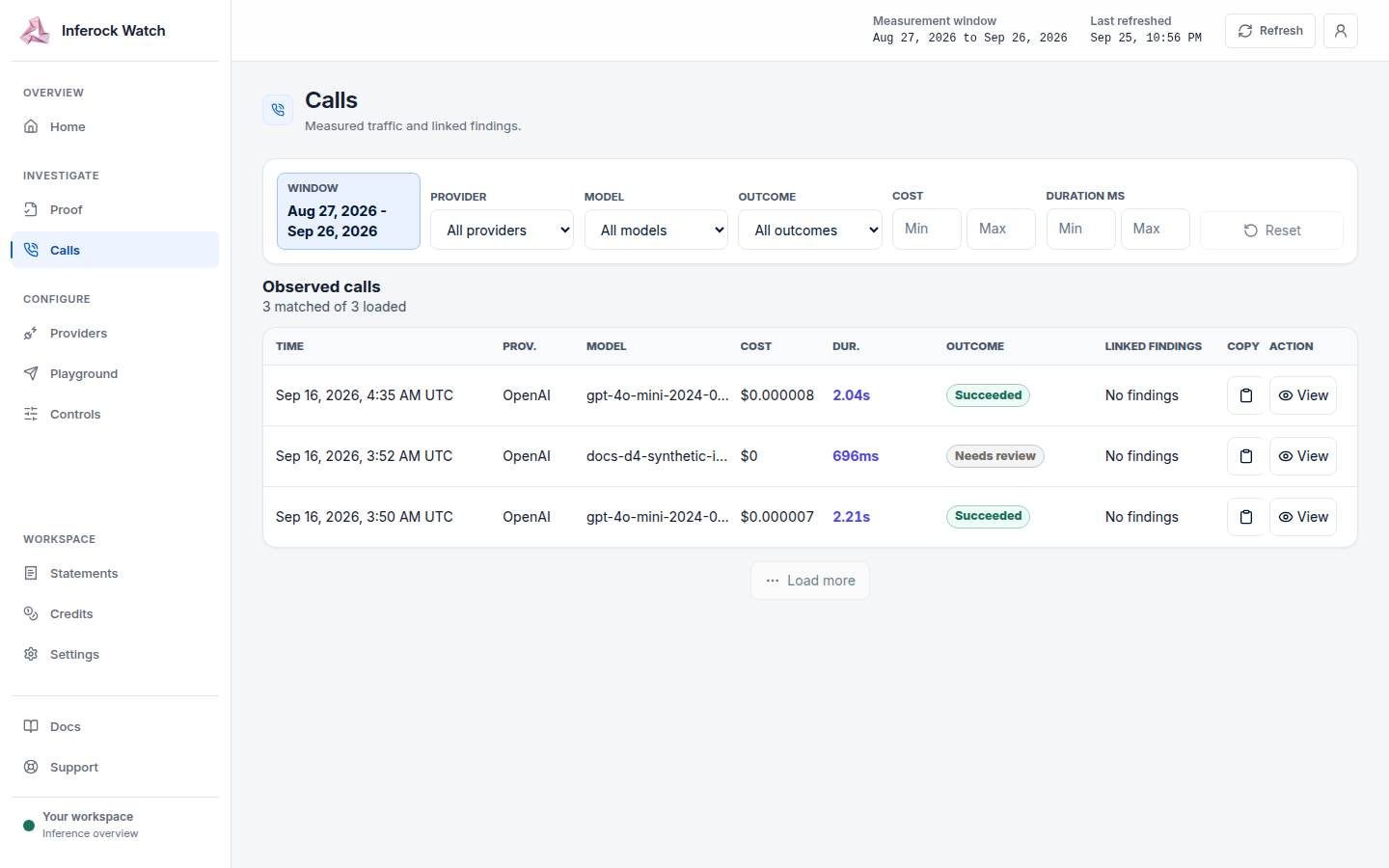
Open Calls and match the request ID you supplied in the x-request-id header. If you did not supply one, use the time window and model name, then open the call details to read the generated request ID. Home summarizes spend and loss; Proof holds finding evidence.
If you cannot continue
The first-call troubleshooting table distinguishes authentication errors from a missing provider key. Limits explains requests rejected by admission controls.
If you still need help, email support@inferock.ai; we respond within one business day.